Malware can compromise your website’s security, performance, and reputation. It can give hackers access to your site, steal customer data, damage your SEO, slow down or crash your site, and lead to blocklisting by search engines. Left untreated, malware can harm your business, cost you traffic and revenue, and damage your customer trust.
Malware can give hackers access to your website, allowing them to modify content, steal data, or take full control.
Infected sites are often flagged or removed from search results, causing a major drop in traffic and visibility.
Malware can capture sensitive information, including emails, passwords, and payment details, creating legal and financial risks.
Visitors lose trust in your brand when they see malware warnings or experience redirects and spam.
Some malware strains overload your server or corrupt your files, causing your site to go offline.
Hackers may inject spam content or links, which can ruin your SEO and get your domain penalized.
And many more…



Select a maintenance plan, or a One-Time fix.
Provide access to our team so we can start onboarding and performing an audit of your WordPress site.

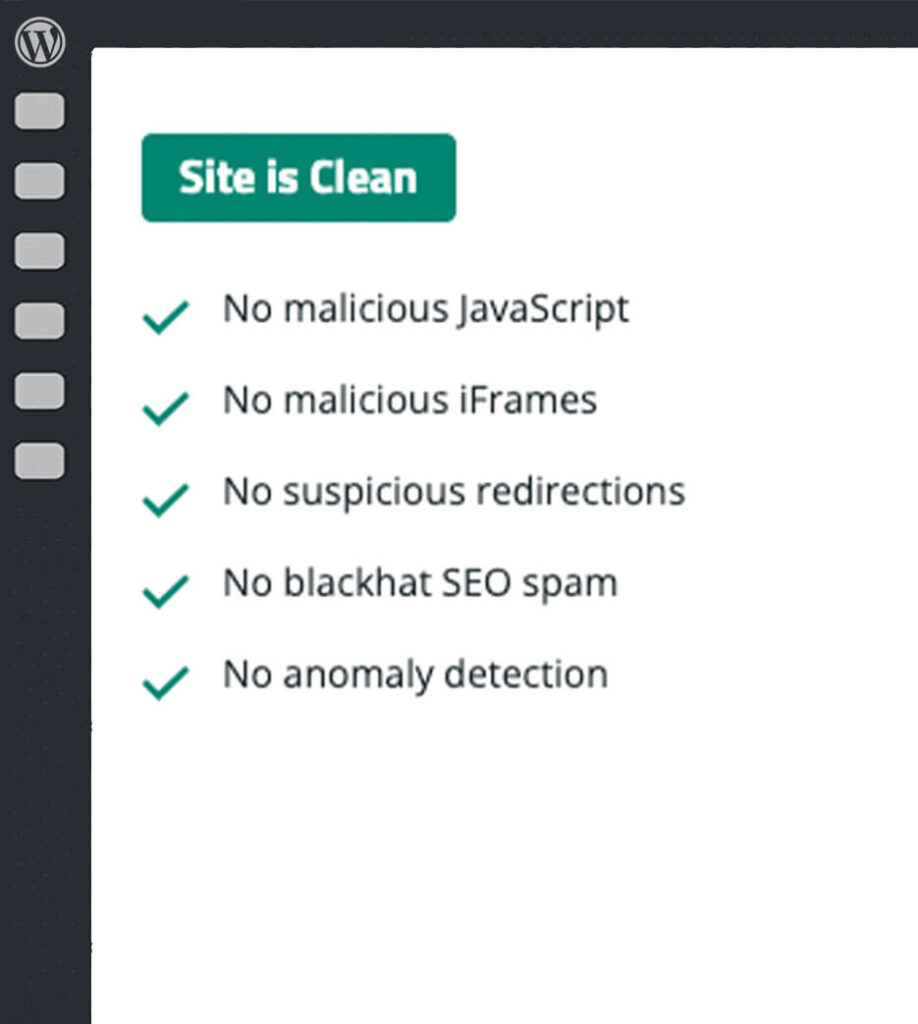
Rest easy knowing our experts are using the best pest control tools to remove all the bugs and malware out of your WordPress website.
Our malware removal service follows a proven three-step process—Detection, Removal, and Prevention—to completely clean your WordPress site, restore functionality, and secure it against future attacks. We don’t just fix the problem; we make sure it doesn’t come back.
Before malware can be removed, it must be accurately identified. This step involves scanning all files, database entries, and server configurations to detect malicious code, suspicious changes, or unusual activity. A complete and thorough detection ensures no infected component is left behind.
Run professional malware scans with tools or plugins to identify infected files and malicious code.
Compare your site’s current files to clean originals to spot unauthorized modifications.
Open and inspect suspicious files for hidden scripts or malicious functions.
Check database tables for injected scripts, spam content, or abnormal entries.
Verify if your site is listed on Google Safe Browsing or other security blacklists.
Search for malicious links or redirects embedded in your site’s code or database.


Once the infection is located, the next step is to carefully remove it without damaging your site’s functionality or design. This involves cleaning infected files, replacing compromised system components, and restoring safe versions of your site.
Purge all cached files to ensure no infected versions remain stored on the server or CDN.
Delete harmful scripts, spam posts, and malicious injections from database tables.
Delete outdated or compromised extensions that may have caused the infection.
Remove malicious code while preserving legitimate site content.
Reinstall a clean version of WordPress core to overwrite infected system files.
Roll back your entire site to a malware-free version.
After cleanup, preventive measures are critical to ensure the same malware doesn’t return. Prevention focuses on improving security, reducing vulnerabilities, and monitoring for suspicious activity.
Update admin, hosting, FTP, and database passwords to block hacker access.
Keep WordPress core, plugins, and themes updated to patch security holes.
Configure file permissions, disable risky features, and block malicious requests.
Filter and block malicious traffic before it reaches your site.
Schedule automated scans to catch threats early.
Prevent brute-force attacks by restricting failed login attempts.
Use monitoring tools to watch for unusual activity or file changes.
We will regularly review and reinforce your site’s defenses.

Get the Malware Removal service in two different ways:
Do you have a question about our WordPress malware cleanup process? Below is a list of our most frequently asked questions. If your question is not listed here, please get in touch with us.
Common signs include strange pop-ups, redirects to other sites, spam content, slow performance, or warnings from Google. A professional malware scan can confirm it.
No. We take care to remove only malicious code and keep your design, content, and functionality intact.
Yes. After cleanup, we apply security hardening and give you recommendations to prevent reinfection.
Absolutely. We specialize in cleaning and securing complex WordPress setups, including WooCommerce stores.
Yes. If we can’t remove the malware, we’ll give you a full refund.
Yes. We have security maintenance plans to keep your site clean, monitored, and protected long-term.
Your website will thank us, you welcome :)