
Custom Reset Password Page WordPress: Replace the Default WordPress Reset Screen (No Plugins)
If your WordPress site uses a custom theme, the default “Lost your password?” page can feel out of place. This is the screen users reach
The Ultimate Guide to Choosing Themes for WordPress
Imagine building a website as effortlessly as tossing together a deck of cards that adapts to every challenge—this is what today’s themes offer. In an
How to Easily Add Login / Logout Links to WordPress Menu (Without a Plugin)
Adding a simple Login or Logout link to your navigation improves usability for members and returning users. This guide shows how to add login and

How to Open WooCommerce Checkout in a Popup with Elementor
Looking to open your WooCommerce checkout in a popup using Elementor? In this complete step-by-step tutorial, you’ll learn how to create a custom WooCommerce popup

WP Travel Engine Review: Build a Travel Booking Website with WordPress
This WP Travel Engine review explains how the plugin works, who it’s for, and how to set up a professional travel or tour booking site
How to create a table in Elementor without plugins (using an online HTML editor)
Want to create a table Elementor quickly without installing extra plugins? This guide shows a lightweight, plugin-free workflow: generate an HTML table in a free
Classicmonks plugin review: an all-in-one WordPress toolbox
If you manage WordPress sites and want to save time and avoid stacking dozens of plugins, this is worth reading. I use Classicmonks with clients
How to Create a dropdown list With Elementor: Step-by-Step Tutorial
A dropdown list in Elementor is an efficient solution for improving navigation and keeping pages and content organized. Although we can display the menu widget as
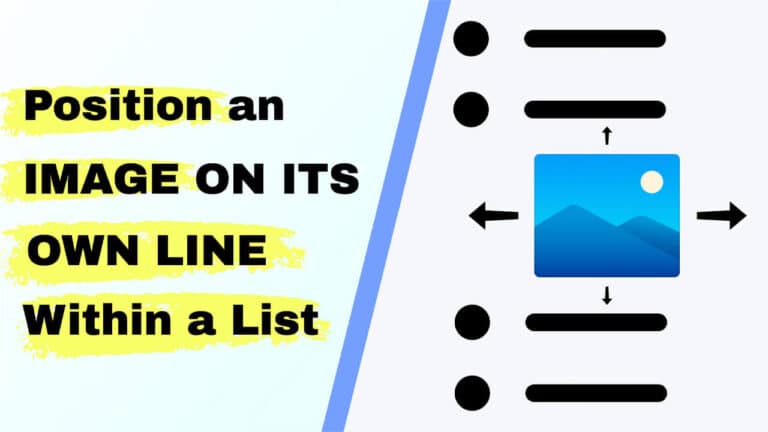
How to Position an image in its own line within list (Simple CSS Fix)
If you need to position an image on its own line within a list, this post explains a clean, reliable solution that works in WordPress
How to change username in WordPress – no plugin (Step-by-step Guide)
Changing a WordPress username seems simple, but by default, WordPress does not allow you to edit usernames from the admin screen. If you want to