
Divi and Elementor are two of the most popular page builders for WordPress. Each has its own pros and cons. The question is, which is the better one, and which one should you choose?
Today, I’m walking you through a practical comparison: Divi vs. Elementor.
Whether you’re starting your first site or redesigning an existing one, this guide breaks down ease of use, features, customization, performance, pricing, integrations, support, plus a quick walkthrough to get both builders installed on WordPress with recommended hosting.
Quick overview: Divi vs Elementor
At a glance, both builders let you design with drag-and-drop interfaces, but they approach the experience differently.
Elementor is known for a beginner-friendly live preview and an excellent free tier. Divi is a premium-first product packed with advanced features and a lifetime license option that can be very attractive if you plan to build multiple sites over time.
Ease of use
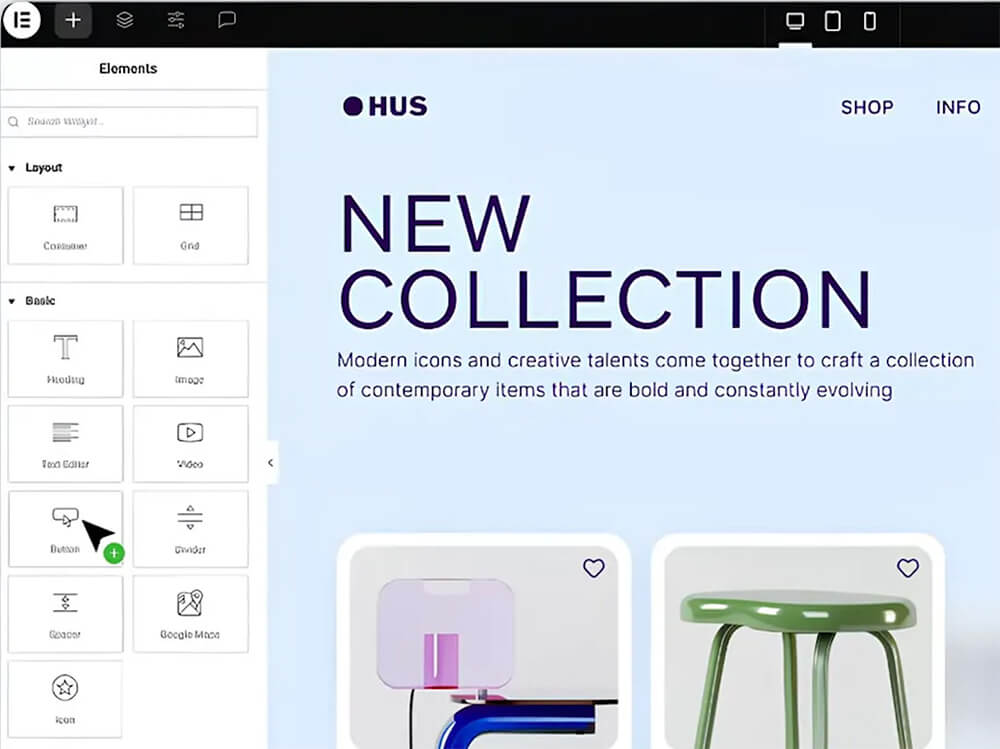
Elementor: clean, intuitive, and fast to pick up. When you open Elementor, you get a live preview and a left-hand sidebar full of widgets — drag, drop, and edit in real time. That immediate feedback makes Elementor a top pick for first-time builders.
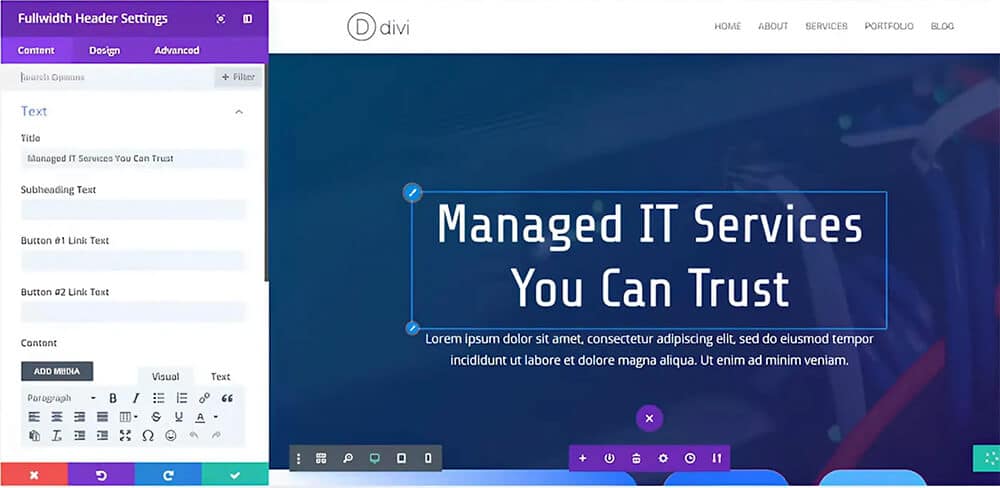
Divi: flexible and powerful, but with a steeper learning curve. Divi offers both a back-end builder and a visual front-end builder. The front-end visual editor is more approachable, but Divi’s extensive feature set can initially feel overwhelming. Once you learn its flow, Divi becomes just as quick to use for complex layouts.
Features
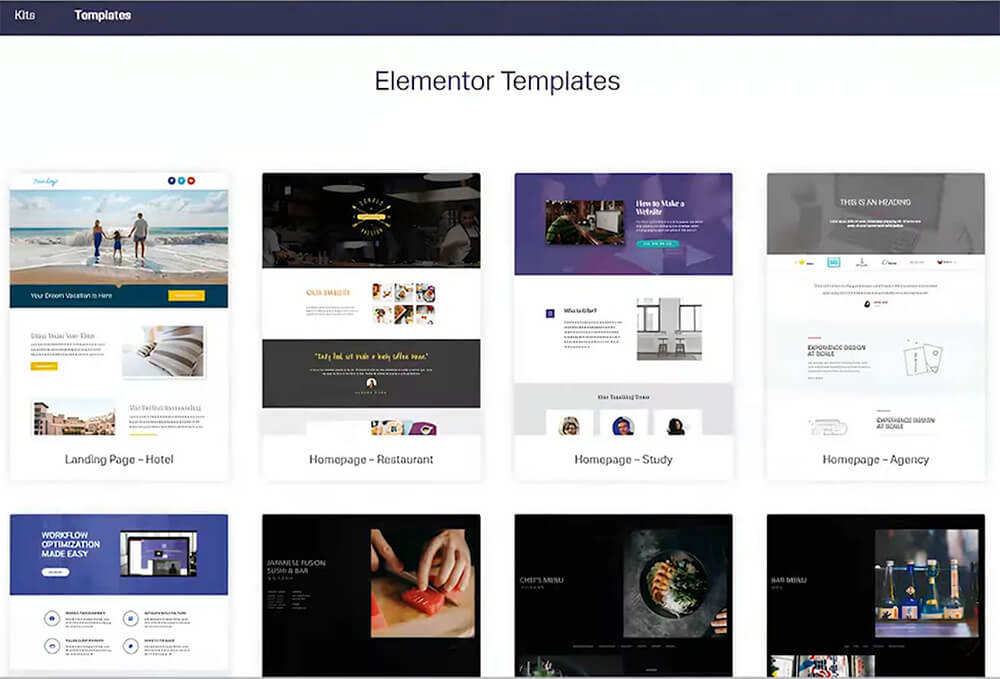
The free version of Elementor already includes over 40 widgets and 30 templates. Upgrading to Elementor Pro unlocks the theme builder, WooCommerce builder, pop-up builder, dynamic content, motion effects, and custom fonts.
Divi doesn’t offer a free version, but its premium package contains more than 800 pre-made layouts, a built-in split testing tool, an extensive design library for saving and reusing layouts, and an advanced role editor that helps teams control access inside the builder.
Customization and testing
Both tools give granular control over margins, padding, typography, colors, and custom CSS. Elementor Pro includes a theme builder, allowing you to design headers, footers, and templates using the same editor.
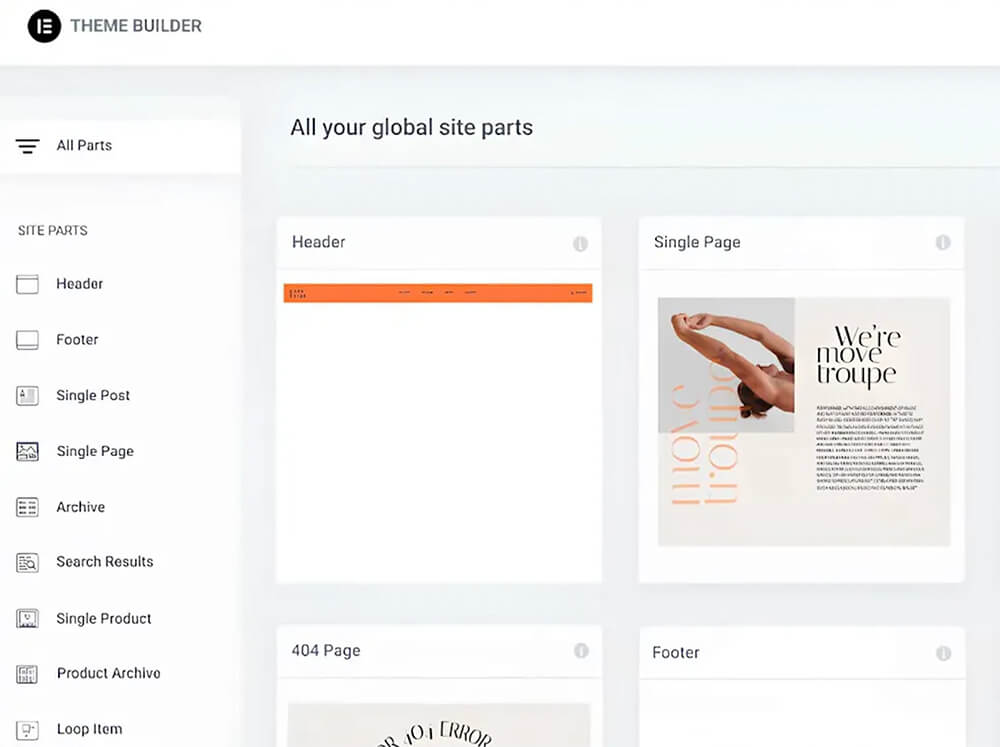
Divi goes a step further with built-in split testing (A/B testing) and advanced design controls. If you plan to optimize conversion flows or run experiments often, Divi’s split testing is a strong advantage.
Performance
Page speed matters. Elementor has a reputation for being lightweight and fast, and the team provides optimization guidance to keep sites snappy. Divi has made significant performance improvements and performs well after recent updates; however, it tends to be slightly heavier than Elementor out of the box.
Regardless of which builder you choose, follow best practices: use caching, compress and serve optimized images, and utilize a high-quality hosting plan.
Pricing
Elementor: There’s a solid free version. Elementor Pro starts at around $49 per year for a single site. Higher tiers cover multiple sites and unlock additional features.
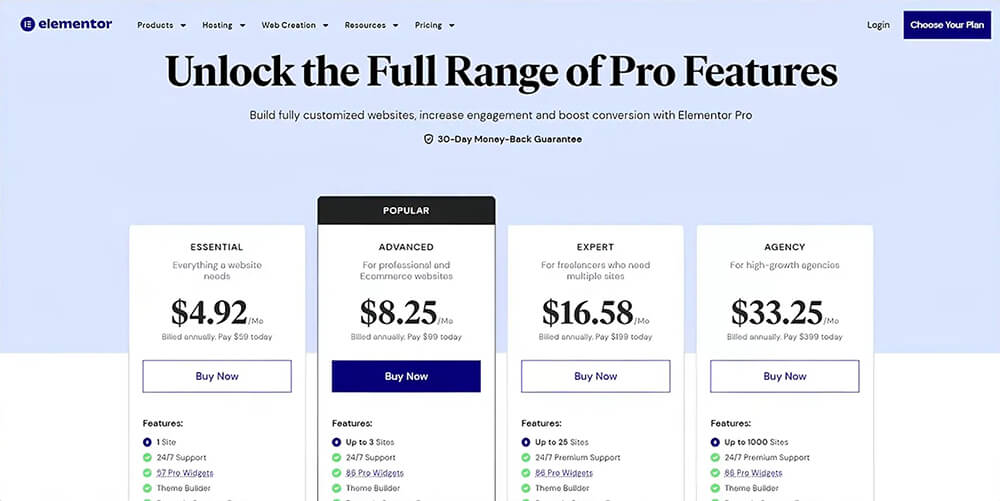
Divi: Paid product only. Standard pricing includes an annual plan (around $89/yr in the demo) and options for a pro tier. Divi’s standout feature is the lifetime license — a one-time payment that can be cost-effective if you plan to build multiple sites.
Integrations
Both builders integrate with popular tools. Elementor integrates with Mailchimp, HubSpot, Zapier, and numerous other plugins and services. Divi also offers integrations with email marketing, social platforms, and CRMs. Since both are standard WordPress plugins/themes, you can extend functionality with most WordPress-compatible services.
Support and community
Elementor provides detailed documentation, tutorials, and community forums. Pro users receive premium support options.
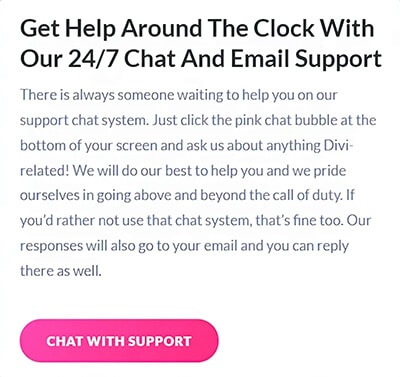
Divi (Elegant Themes) offers 24/7 live chat, a comprehensive knowledge base, and a very active community with tutorials and user groups. Either choice gives you solid support resources.
Hosting and installation
Both builders require reliable hosting for optimal results.
Installing Elementor is straightforward: from WordPress, go to Plugins → Add New, search for Elementor, Install → Activate. After activation, you can choose templates or start with a blank canvas.
Installing Divi requires downloading the theme from Elegant Themes (after purchase) and uploading the Divi zip under Appearance → Themes → Add New → Upload Theme. After activation, you can open the Divi Builder and begin editing.
Which one should you choose?
In short, it depends on your priorities.
- Choose Elementor if you want an easy-to-learn, lightweight builder with a capable free version and fast setup.
- Choose Divi if you want a feature-rich builder, built-in split testing, large layout libraries, advanced role control for teams, or a one-time lifetime license.
So in the Divi vs Elementor debate, Elementor wins for beginner-friendliness and a free option; Divi wins for advanced features and long-term value if you use the lifetime license.
FAQ
Yes — Elementor offers a solid free version. Upgrading to Elementor Pro unlocks theme building, pop-ups, dynamic content, and more.
You can switch, but migrating complex layouts usually requires manual adjustments. Each builder uses different shortcodes and modules, so plan migrations carefully and test thoroughly.
Elementor typically produces lighter output by default, but both builders can be optimized to perform well with proper hosting, caching, and image optimization.
If you plan to build multiple sites over several years, the Divi lifetime option can be a great deal. If you only need one site and prefer a lower annual cost, Elementor Pro or another plan may be a better option.
Conclusion
Both tools are excellent; the choice between Divi and Elementor comes down to your workflow and budget. If you want plug-and-play simplicity with a free tier, start with Elementor. If you’re looking for advanced testing, deep customization, and a potential lifetime investment, consider Divi.
If you’re launching a site for the first time, choose a reliable host, install WordPress, try Elementor’s free version, and consider Divi if you need more advanced features.
Either way, you can build a professional site with both tools — choose the one that fits your project and comfort level.
