
Custom Reset Password Page WordPress: Replace the Default WordPress Reset Screen (No Plugins)
If your WordPress site uses a custom theme, the default “Lost your password?” page can feel out of place. This is the screen users reach
How to Easily Add Login / Logout Links to WordPress Menu (Without a Plugin)
Adding a simple Login or Logout link to your navigation improves usability for members and returning users. This guide shows how to add login and
How to Open WooCommerce Checkout in a Popup with Elementor
Looking to open your WooCommerce checkout in a popup using Elementor? In this complete step-by-step tutorial, you’ll learn how to create a custom WooCommerce popup
How to create a table in Elementor without plugins (using an online HTML editor)
Want to create a table Elementor quickly without installing extra plugins? This guide shows a lightweight, plugin-free workflow: generate an HTML table in a free
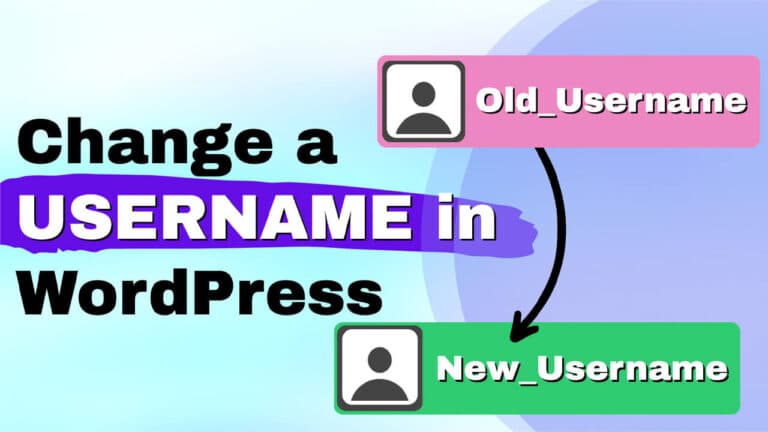
How to change username in WordPress – no plugin (Step-by-step Guide)
Changing a WordPress username seems simple, but by default, WordPress does not allow you to edit usernames from the admin screen. If you want to
Password Protect WordPress without a Plugin: 3 Practical Ways to Lock Your Site
On occasion, you may need a temporary WordPress staging area that is password-protected or accessible only to a specific client. There are straightforward methods to
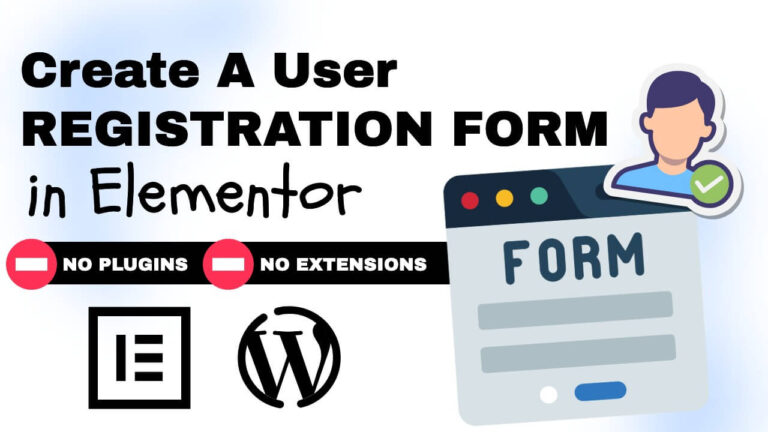
How to Build an Elementor Registration Form Without Plugin
Want a simple, reliable Elementor registration form without a plugin or extra addons? I’ll walk you through a clean method that uses only Elementor’s Form
Create Tooltip Elementor — No Extra Plugins or Code!
Want a lightweight way to create a Tooltip Elementor without installing extra extensions or touching complex scripts? This guide walks through a simple method using

How to Scroll Image on Hover in Elementor (No Code)
If you want to add a clean, interactive touch to your site, learning how to scroll an image on a hover elementor is one of
How to disable automatic updates in WordPress (3 simple methods)
Suppose you want more control over when plugins, themes, or the core updates on your site. This guide will show you three simple ways to