
How to Add a Gradient Border Color to a Button in Elementor
If you want a modern, eye-catching button with a colorful edge, this guide shows how to create a gradient border in Elementor using simple CSS.

How to Change Image on Hover in Elementor (Easy Step-by-Step)
If you want to change the image on hover to create interactive team grids, product cards, or portfolio previews, this simple Elementor technique will get
How to Add Text Over an Image in Elementor: 4 Easy Methods for Every Setup
In this guide, I’ll walk you through four practical methods for adding text over an image in Elementor, allowing you to choose the approach that
How to Migrate WordPress Websites Between Domains or Hosting Providers
In this step-by-step guide, I’ll walk you through the process of migrating WordPress from one domain or hosting platform to another using a fast and
How to Safely Grant an Administrator Role Access in WordPress (Without Creating a New User)
If you’ve hired a developer or need to give someone temporary administrator access to your WordPress site, you want to do that safely without compromising
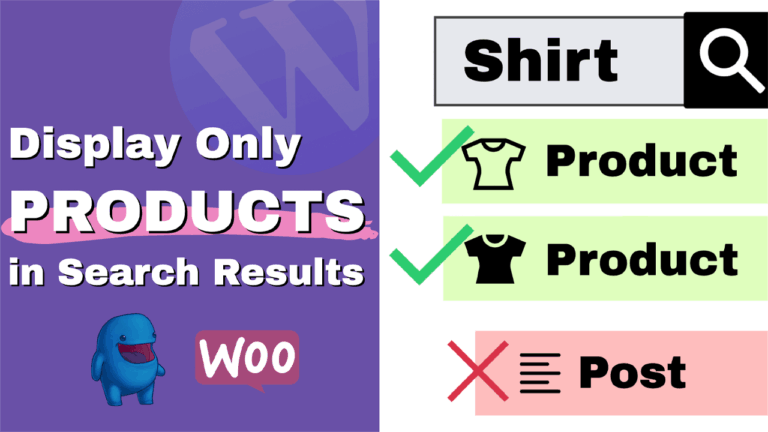
How to Only Show Products in WordPress Search Results (WooCommerce and EDD)
In this guide, I’ll show you how to configure your WordPress search to only search WooCommerce products, so customers see product results instead of pages

How to Show / Hide a Section On Button Click in Elementor and WordPress
In this step‑by‑step tutorial, I’ll show you a simple way to show or hide any section, widget, image, or content block on your WordPress site
How to Change Mouse Cursor in WordPress and Elementor Easily
If you want to add a unique touch to your website and enhance the user experience, changing the mouse cursor to a custom image or
How to Fix the Failed Write File to Disk Error in WordPress
Are you facing the “Upload: Failed to Write File to Disk” error in WordPress? You’re not alone. This is a common issue that can bring

How To Embed Iframe In WordPress (HTML Block) – Fast & Easy!
If you want to embed content, such as videos, maps, content from other websites, PDF files, or other media, directly into your WordPress posts or